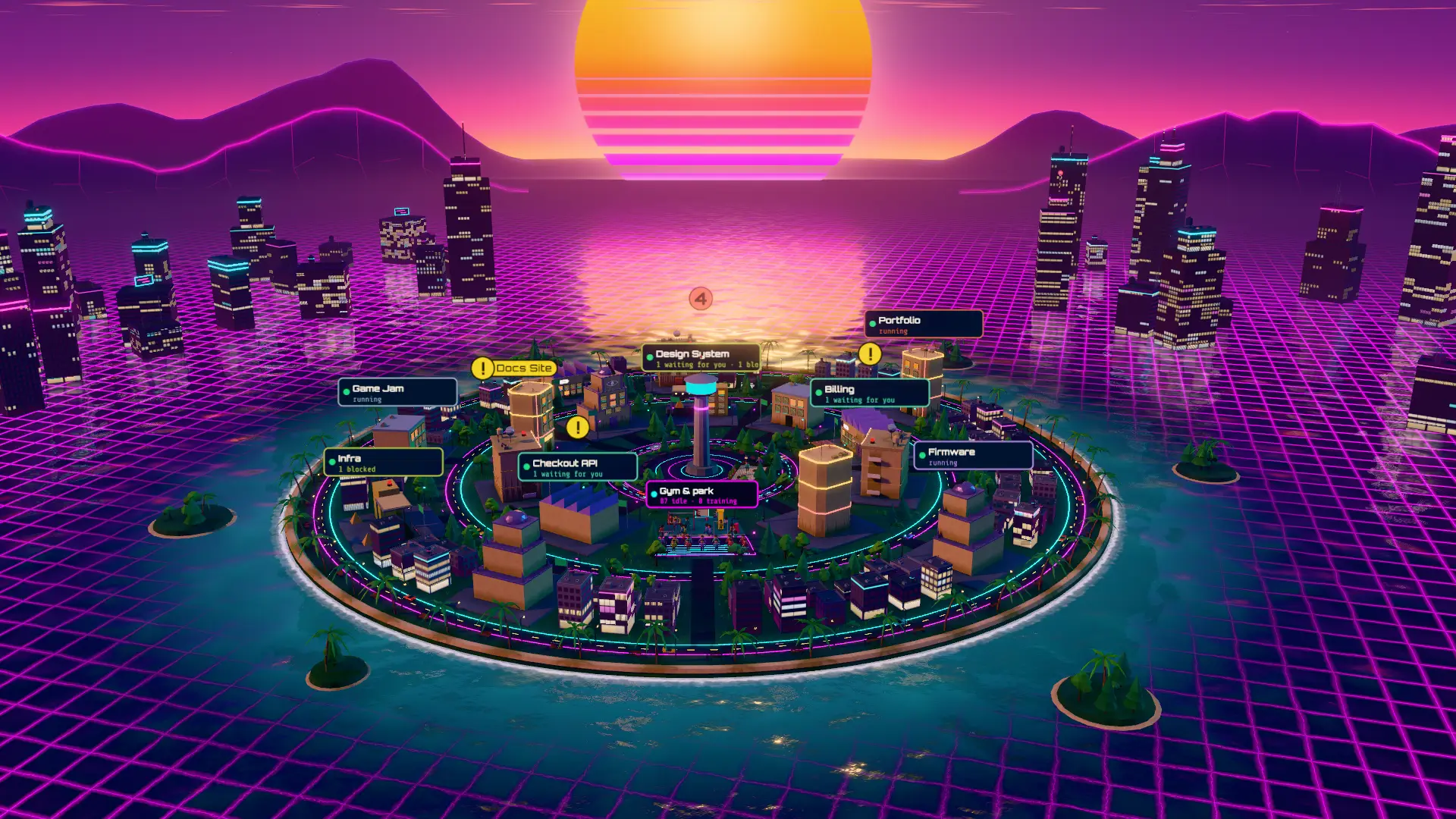
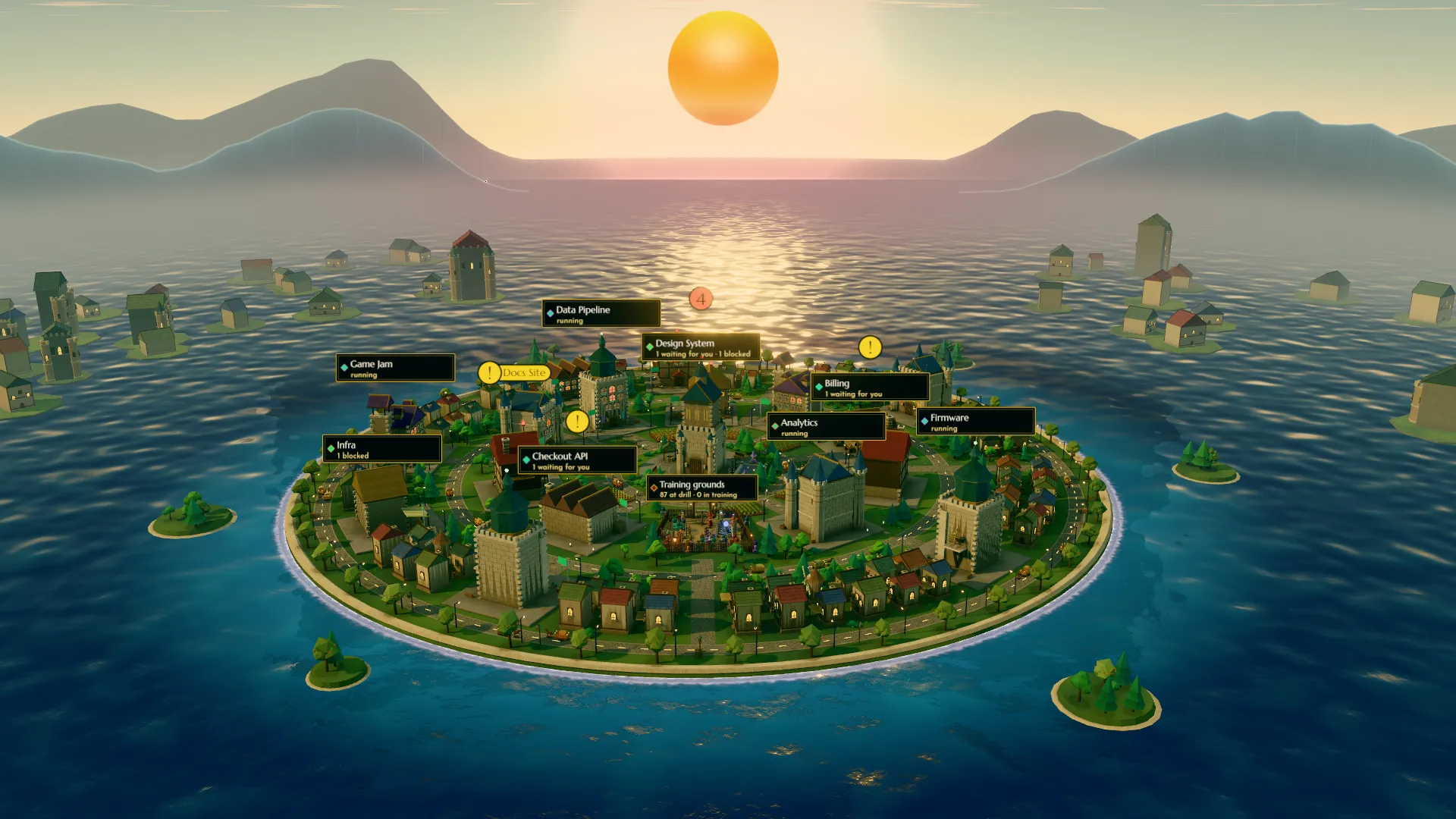
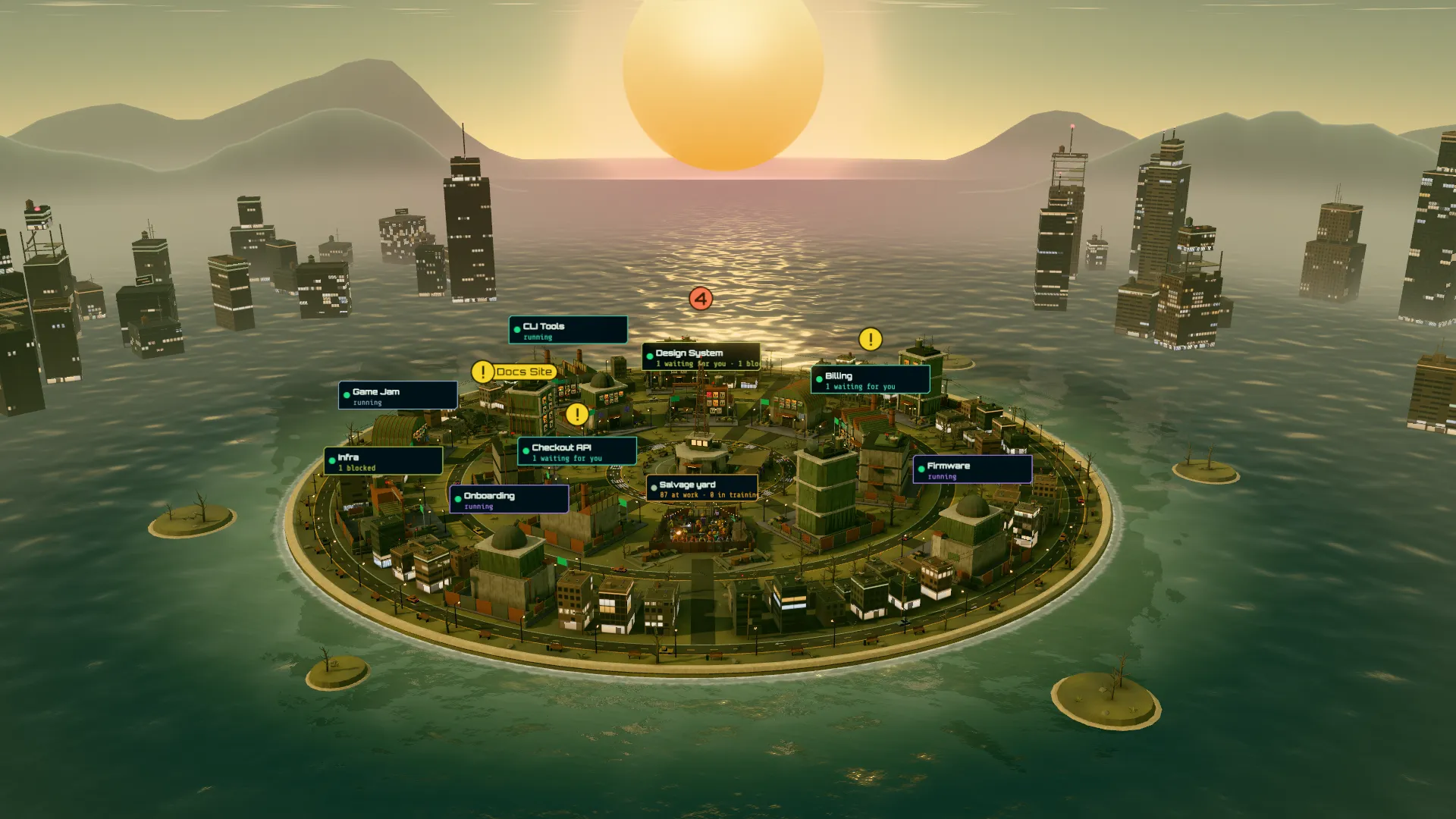
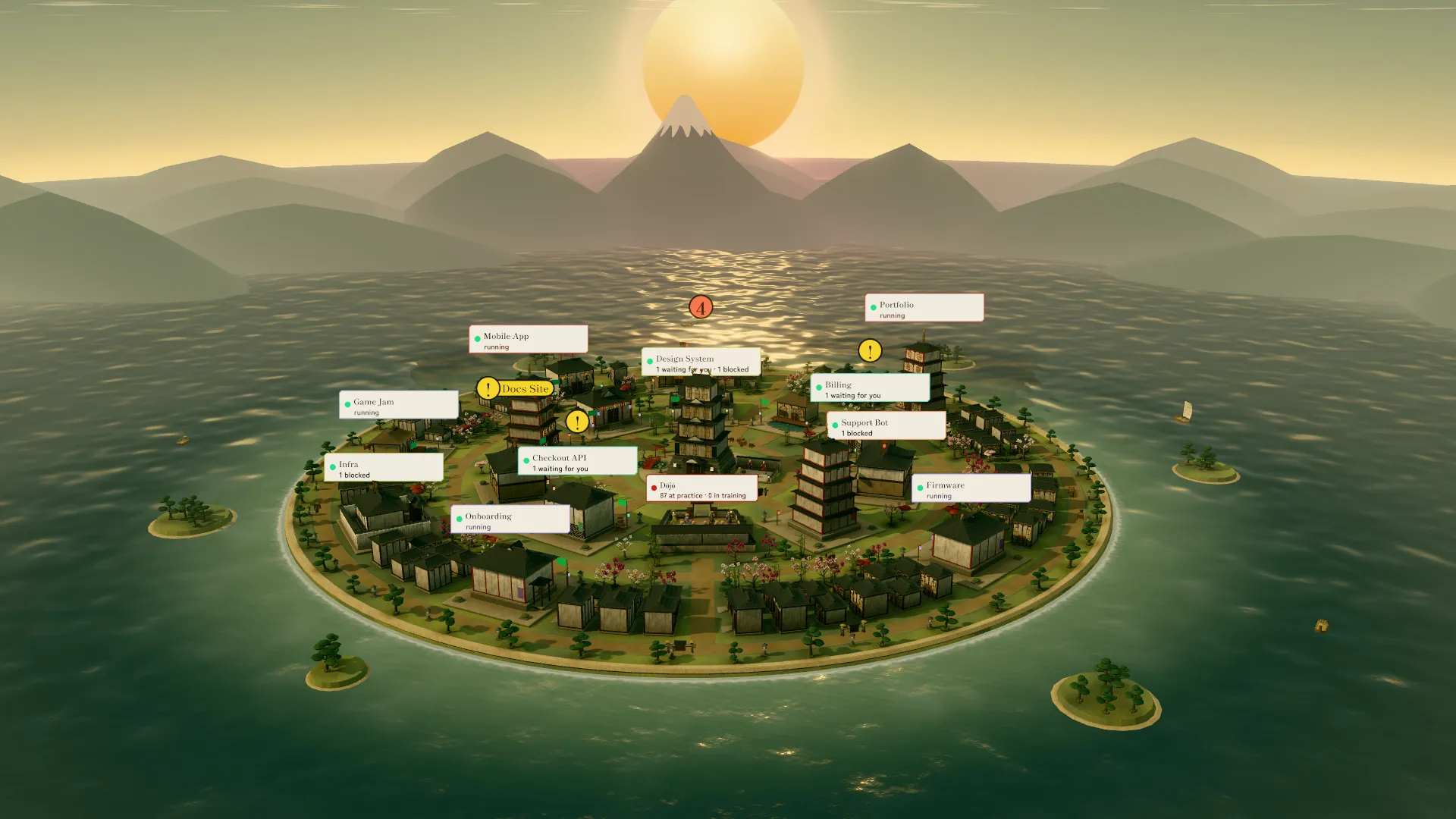
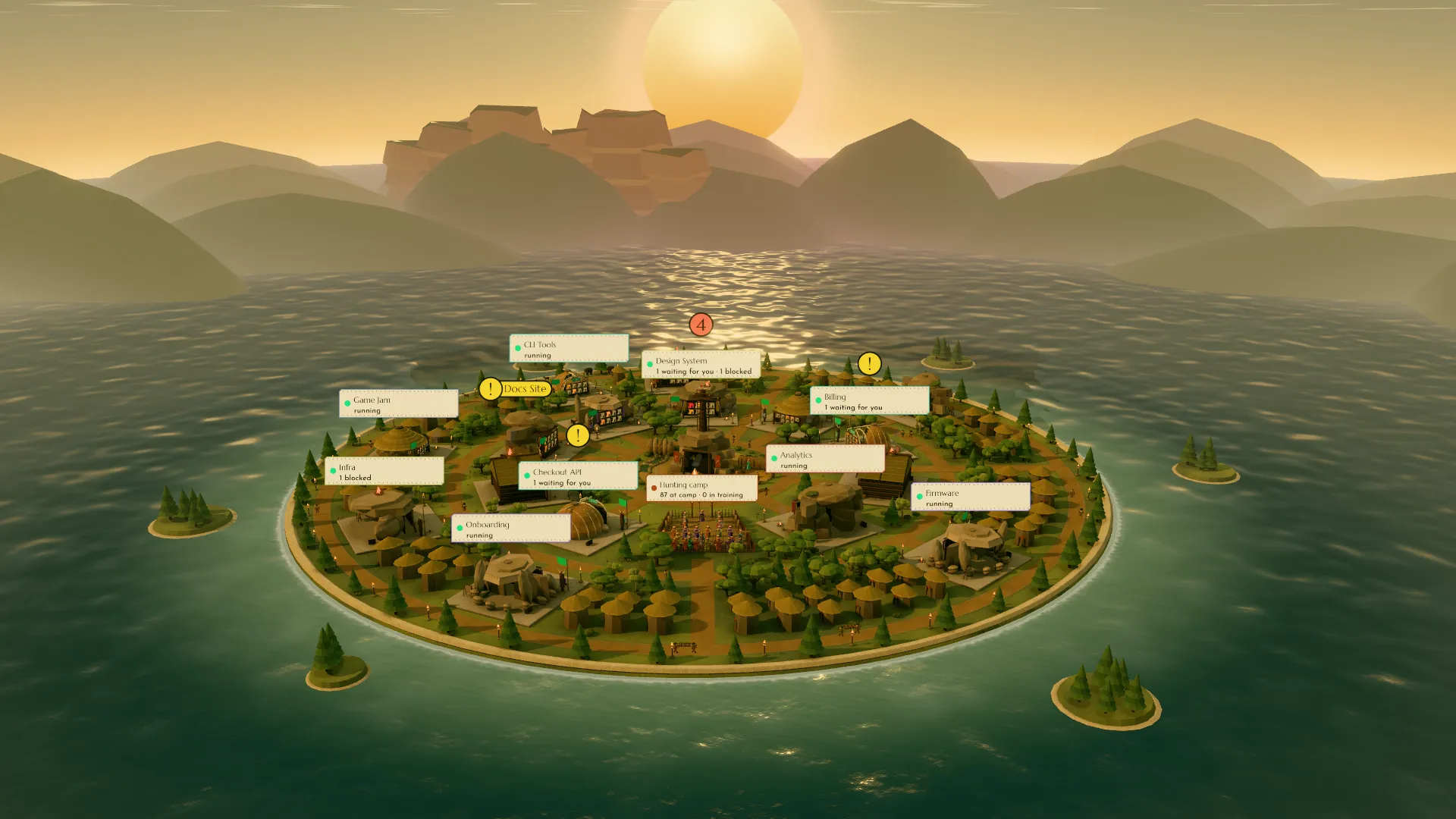
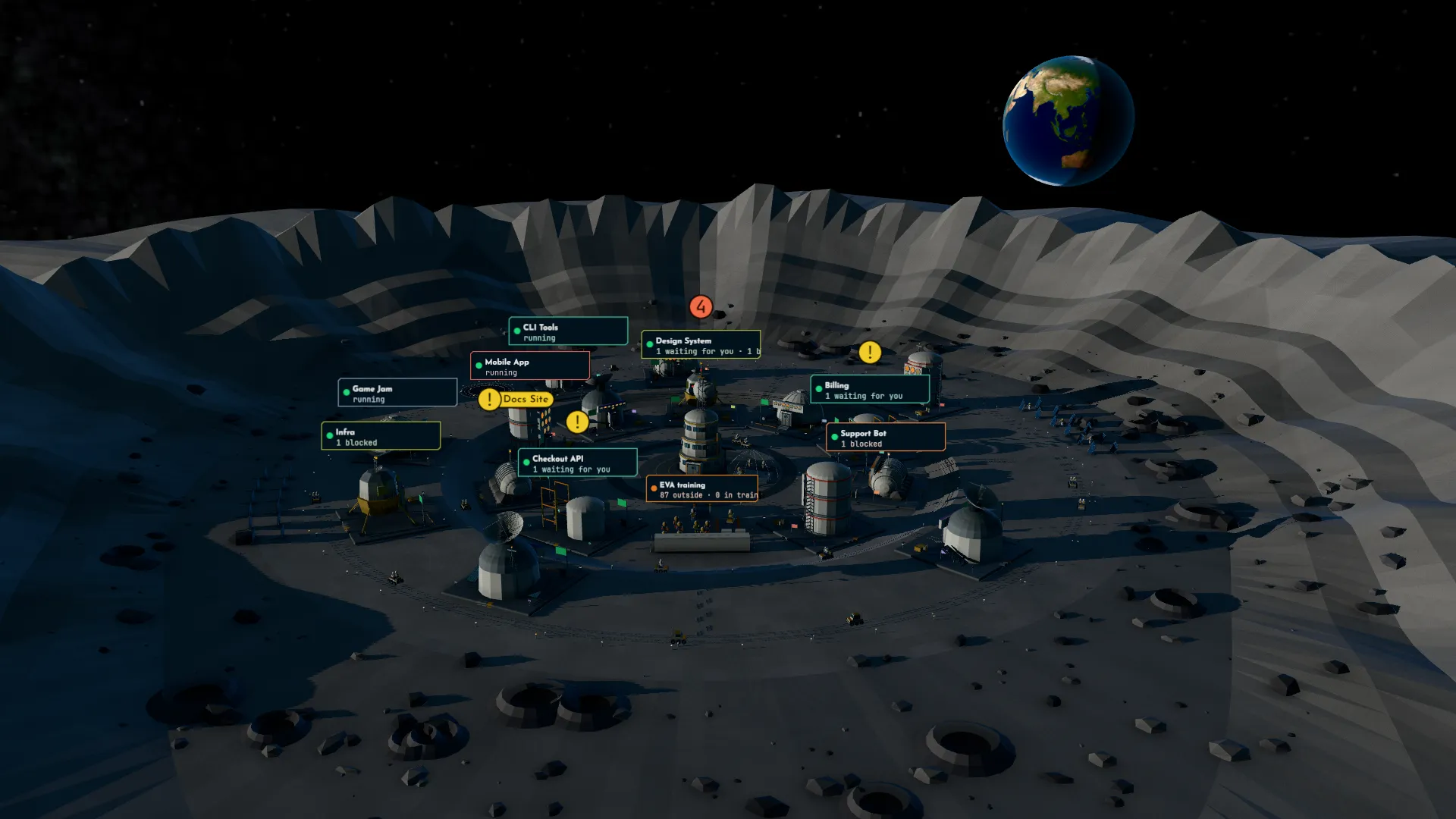
The demo city in the Retrowave design: an island of lit towers at dusk on a neon grid sea, under a striped sun. Each building is a project with its name on a sign; lit windows are chats.
Every Claude and Codex agent you run, in one city.
See what they do, and what they waste.
Co-ordinate is a local dashboard for Claude Code and Codex. Each project is a building and each chat a lit window, so you see who is working, who is waiting for you, and which chats are quietly costing you. Watching it costs zero tokens.
Free and open source (MIT) for one person. One email when it is out.
Demo city: 16 made-up projects, drawn by the real Co-ordinate.
The same city in six designs.
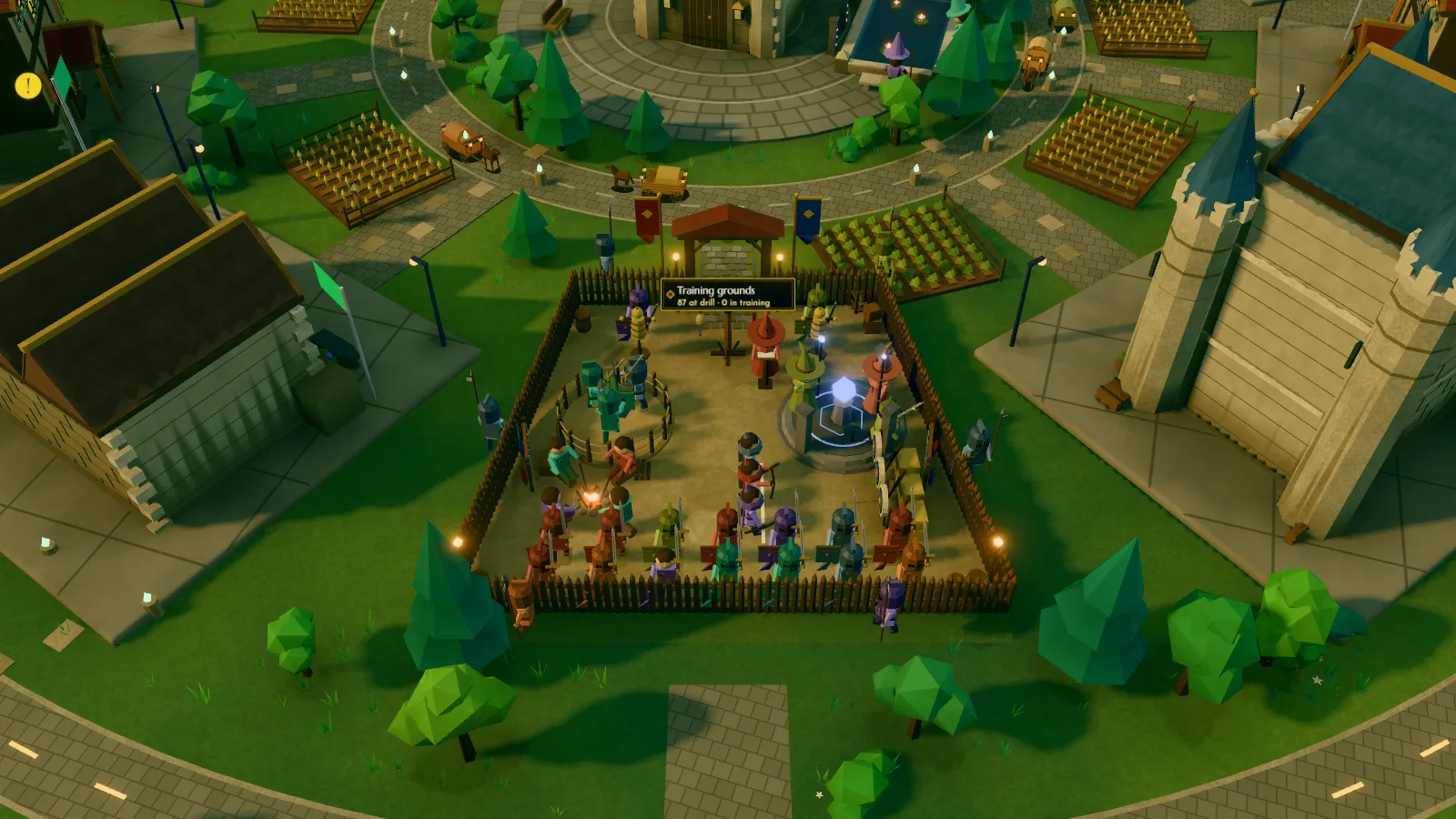
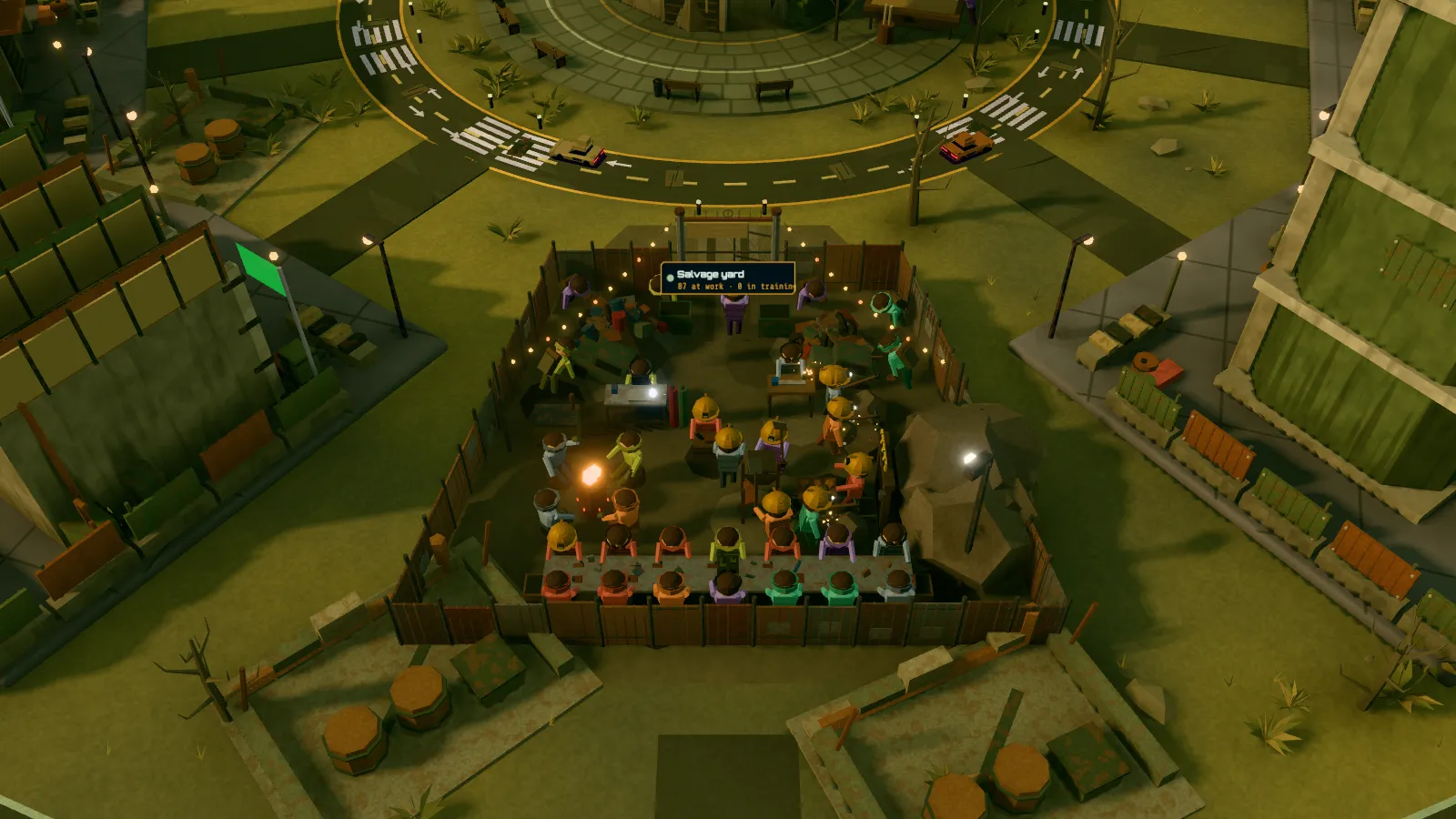
The same 16 projects and the same signs in each; pick a design in the app's Design row, or above.
Read every agent in one look.
You don't scan forty rows. You look at a skyline, and the trouble stands out.
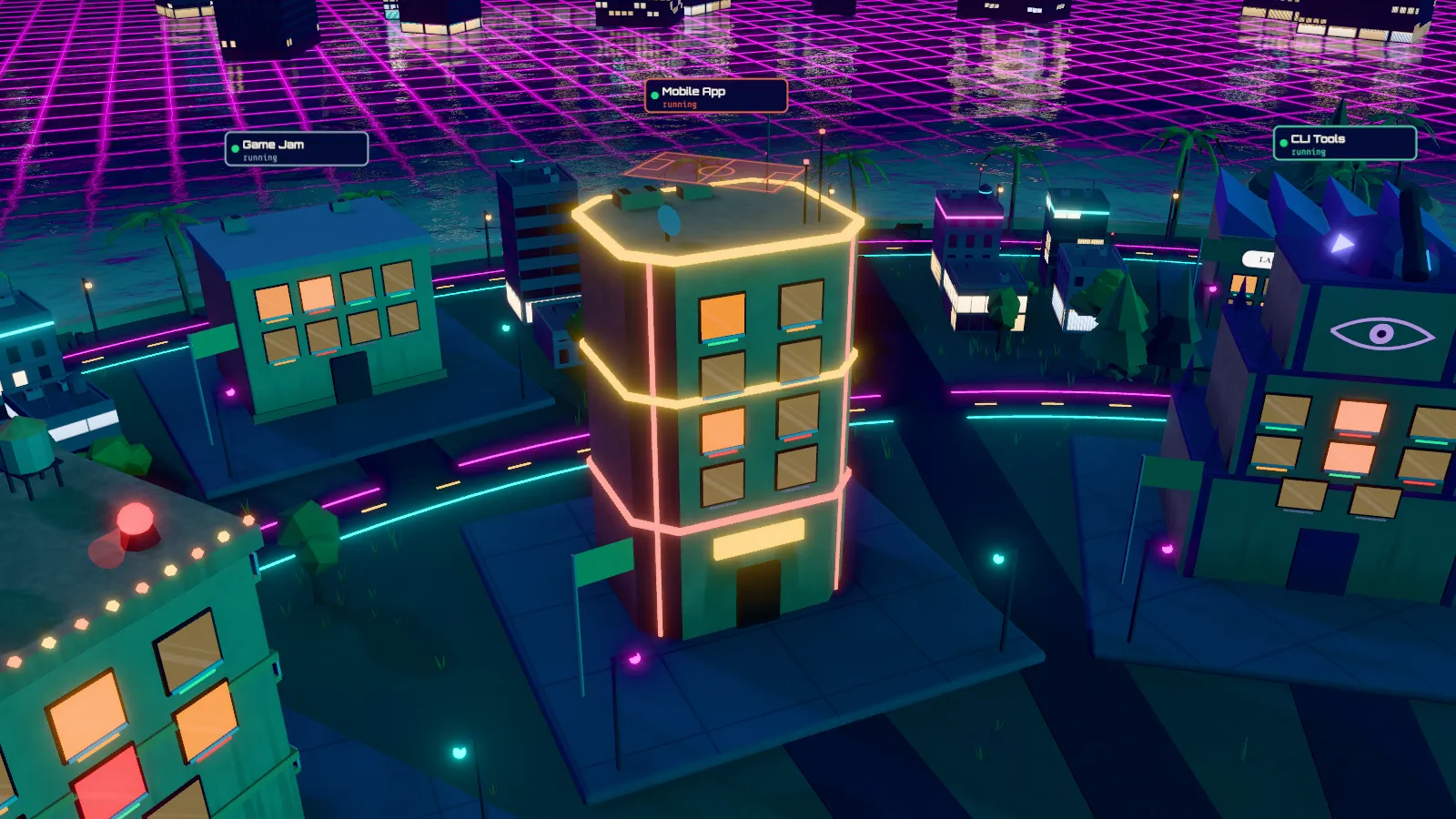
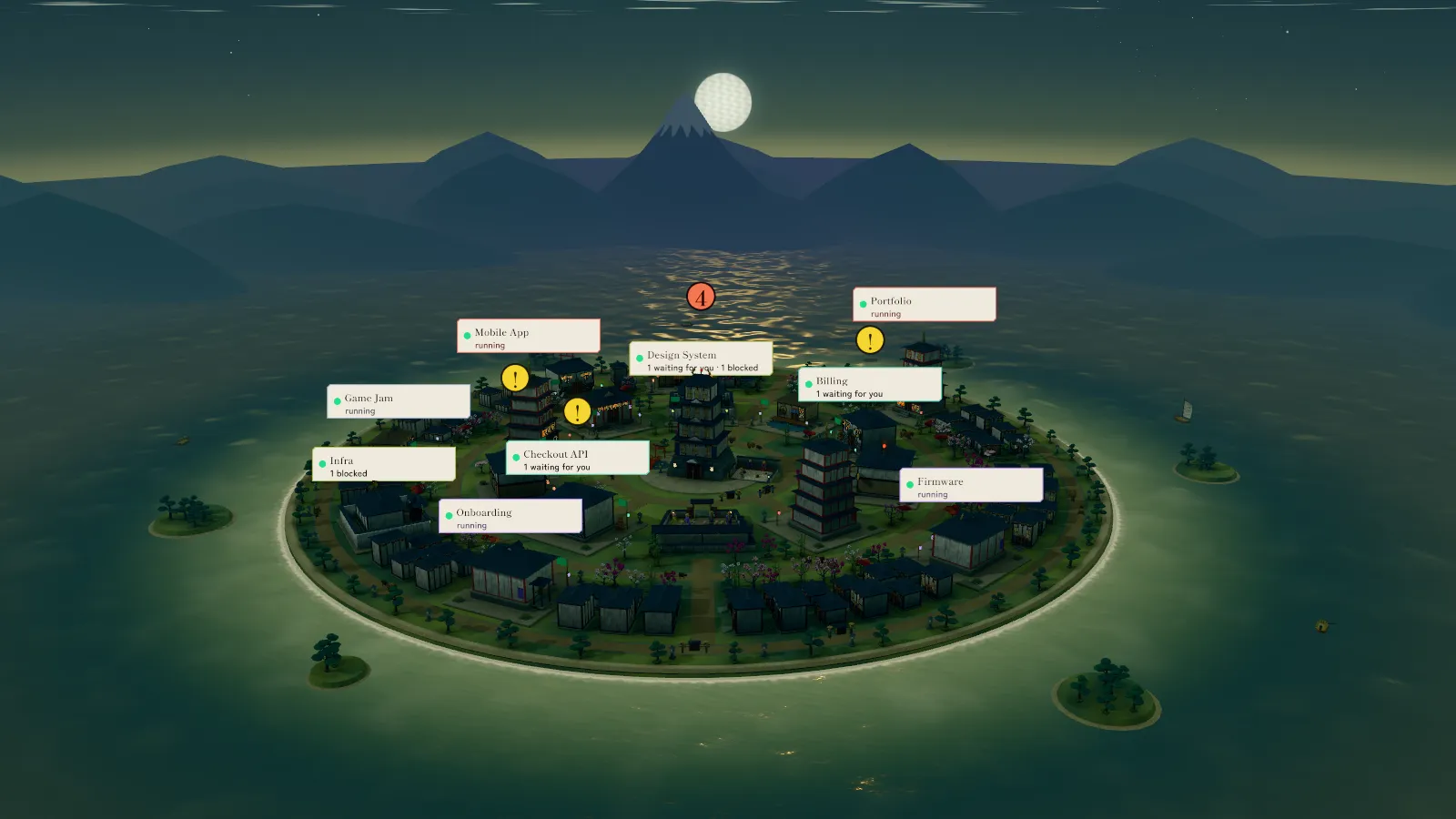
- A building is a project. Its shape comes from the project; its colour stays the same in every design.
- The sign names the project and says how it is doing: running, waiting for you, blocked.
- Each lit window is a chat. A teal sill marks a Codex chat (Cursor and Gemini CLI get their own teal trim); the rest are Claude.
- Red means blocked. That agent is stuck until someone helps.
- The roof beacon calls you. A blocked chat or a warning lights it.
- Busy
- Idle
- Waiting for you
- Blocked
- Asleep
- Codex chat
Each building is a project with its HQ: a small local page that reads the project's chats and its STATUS.md. A line at the top of the city says what waits for you, and where. Click a window to open its chat, a building to open its project; Board, List and HQ show the same city as cards and tables.
Act only where you're needed.
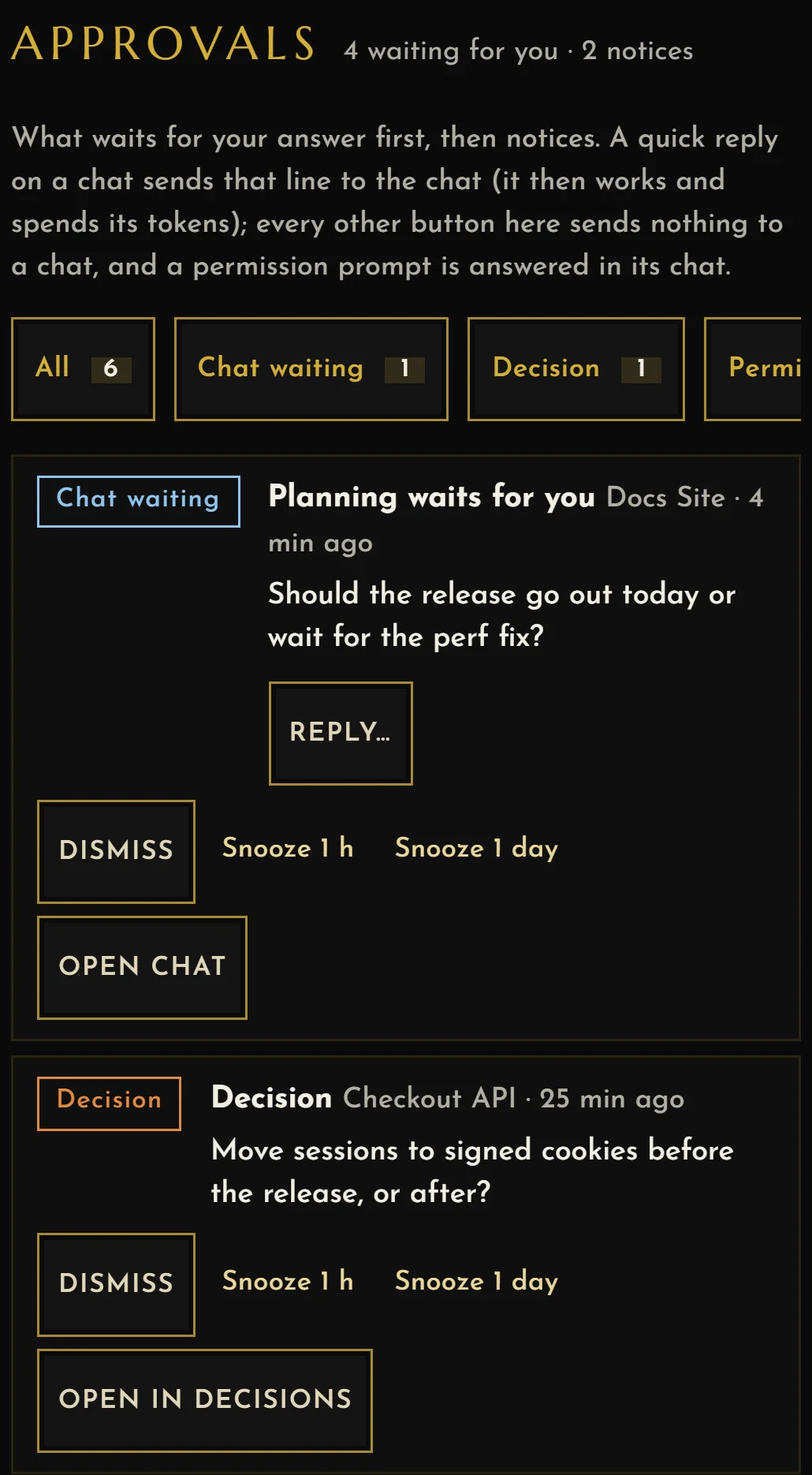
Approvals is one list of what waits for your answer: chats, decisions, permission prompts, paused runs and new HQs. Notices, such as tips and cap warnings, come after it.
- Waiting for you is one count, in the city's top line, on each project's sign and in Approvals. Answer a waiting chat from its row.
- Roles and tasks for Claude and Codex agents live in Command. A task needs evidence before it counts as done.
- Send shows the exact agents and message first. Nothing goes out until you click.
- Receipts record every send: queued, failed or uncertain. An uncertain send is never retried for you.
See what they waste.
A prompt cache that expires while a chat sits idle is paid for again on its next turn. Co-ordinate counts every reload from the transcripts on your machine, and says why it happened.
- A cache countdown on every chat: warm, cooling, or cold with what a reload would cost.
- The waste ledger: money lost to reloads in the last 7 days, by chat and by reason.
- Startup size: what a new chat loads before it starts, and when a fresh start would pay back.
- Model fit finds big-model turns a smaller model could have done; Outcomes show what each task, pull request and commit cost.

Capped runs stop on their own.
A capped run starts Claude Code or Codex on one prompt, again and again, until one of its four caps stops it: iterations, dollars, tokens or minutes. There is no unlimited run.

- Caps first
- The start button shows the dollar cap (a Codex run, which has no prices, stops at its token cap). At any cap the run stops at once, and the kill switch is on the Board and on its building.
- Stop conditions
- Tests green, a small diff, no progress, a pull request merged.
- Stuck detector
- A run that repeats itself is paused, and waits in Approvals for Resume or Stop.
- Repeat prompts
- What your own /loop, wake-ups and scheduled prompts cost, and what the next 7 days will.
Free to watch. It stays on your machine.
Co-ordinate reads files already on your machine. Watching, discovery and imports make no model calls. Tokens are spent only when you click Send, Train, Build HQ, or start a capped run or a bench run, after it shows what it will do. Adding a folder as an HQ is free.
- Model calls to watch
- 0
- Listens on
- 127.0.0.1, your machine only, behind a key that only your account can read
- Leaves your machine
- Nothing on its own. What can, such as a send or the team export, goes only on your click; the app's Privacy page lists each one.
- Never reads
- Credentials, such as
~/.codex/auth.json - Claude + Codex
- Same buildings, separate allowance meters, with a Claude subscription or an API key. A missing reading says unavailable, never zero. Cursor and Gemini CLI chats show too, read only.
- Server
- Python 3.10 standard library, no packages
- Telemetry
- None. No analytics, no update check
- Runs on
- Windows today. macOS and Linux run the server and the page; opening an exact chat in a terminal is Windows only.
Light enough to leave open all day.
It sits beside your agents from morning to night, so it is built to stay out of the way.
| Window focused | About 30 frames a second |
|---|---|
| Window in the background | One still frame, then nothing |
| Tab hidden | No drawing at all |
| Page script | 4.7 to 8.0 % of one CPU core in the newest run; up to 11 % in other runs that day |
| City size | 1 to 16+ projects in 44 to 88 draw calls, under a budget of 140 |
Also in it.
Built and tested; all of it arrives with the first public release, 1.0.0.
Around the city
- Activity: notifications, requests to agents, tasks, a feed, commits and a daily digest.
- Ctrl+K search, keyboard shortcuts and a phone layout.
- Build HQ with the tool you pick, or add one folder as an HQ for no tokens.
- Spending caps per project, and guardrail hooks against secrets, destructive commands and forbidden paths.
Skills and designs
- 21 knowledge packs, each with its cost in tokens, installed on a click.
- Training from reviewed lessons, and an A/B bench for your CLAUDE.md and skills.
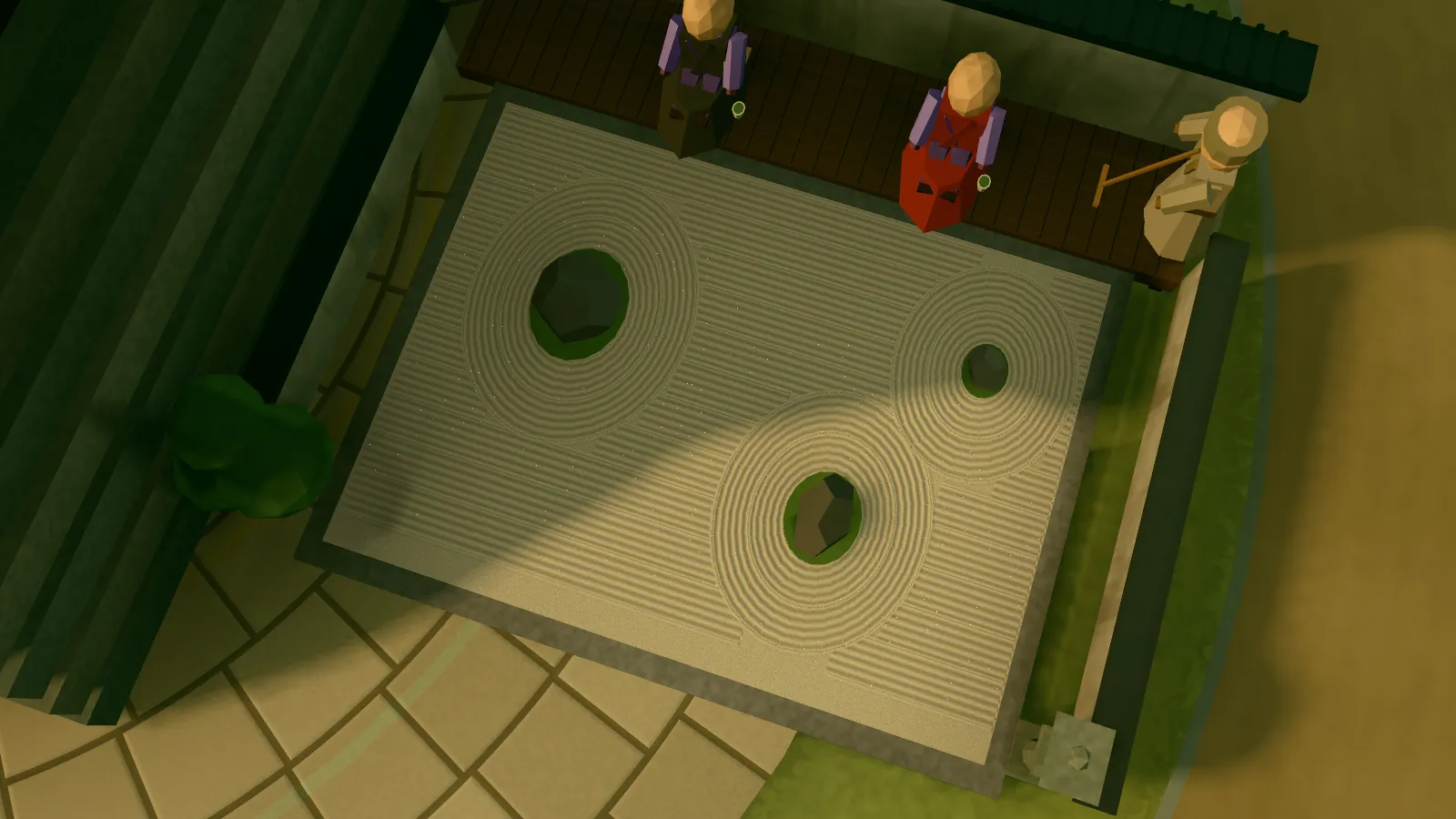
- Six city designs, each with its own yard and calm place, or a design of your own.
For teams: paid tier
Everything else on this page is free for one person on one machine. This part joins several people's machines and needs a team licence; its price comes later. The export that feeds it stays free.
- Team totals shared as numbers: no paths, prompts, file names or chat titles leave a machine, and project names only if each person allows it.
- Your team in the city: each person's live agents, spend and blocked items, as counts.
- Team spending caps, a team digest and one model policy for everyone.
Coming soon to GitHub.
Free and open source (MIT) for one person on one machine. It needs Python 3.10 or newer and no other packages. Join the waitlist and you get one email when it is out.
- Zero tokens to watch. Watching makes no model calls.
- Nothing leaves on its own. What can, leaves only on your click.
- It never reads credentials. Keys, tokens and auth files are off limits.
- It spends only on your click, after showing what it will do.